Blood Oxygen (SpO₂): What Your Watch Can and Can't Tell You
6 min read · August 2026 · by Manikanta Sirumalla
Blood Oxygen (SpO₂): What Your Watch Can and Can't Tell You
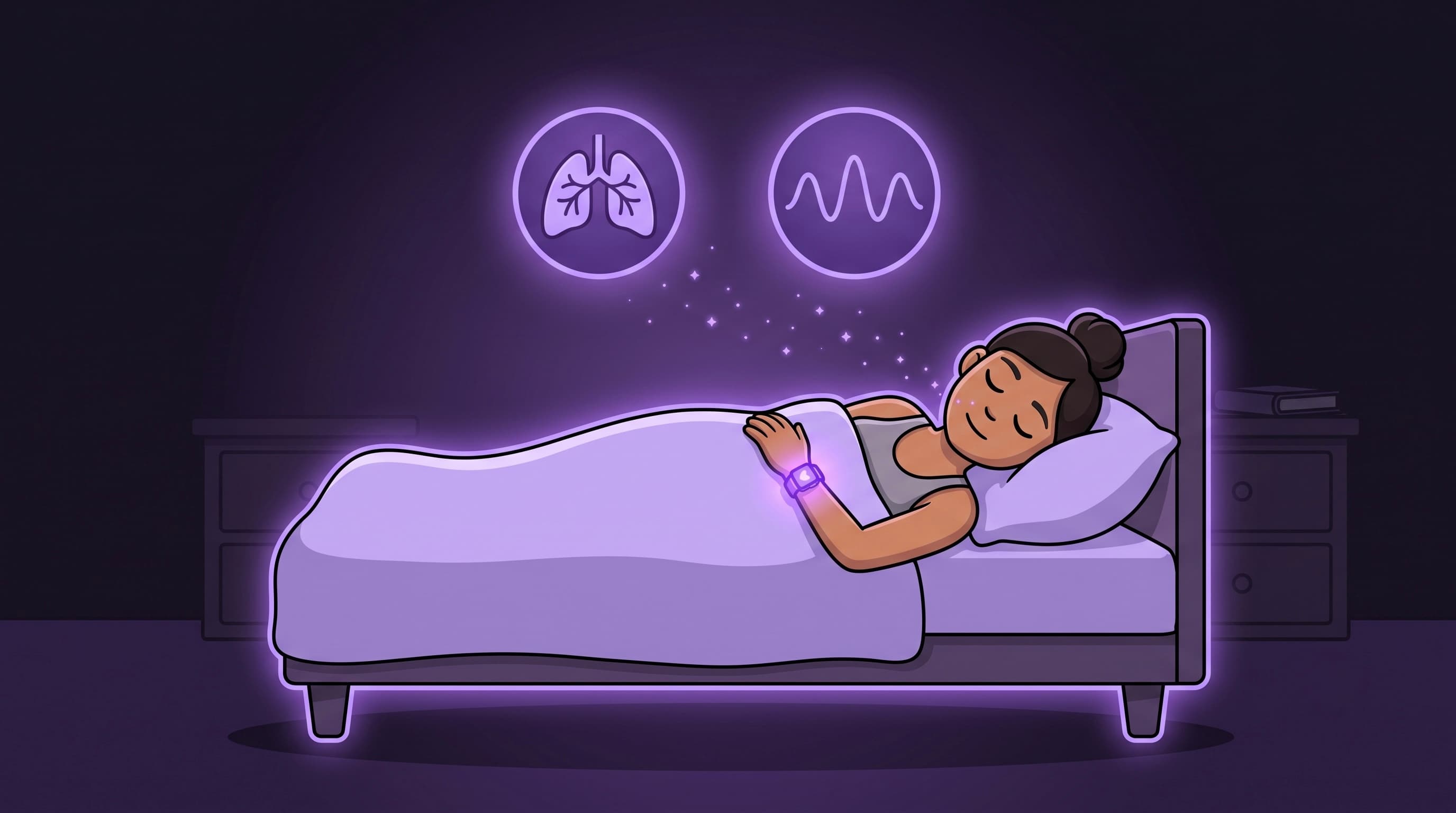
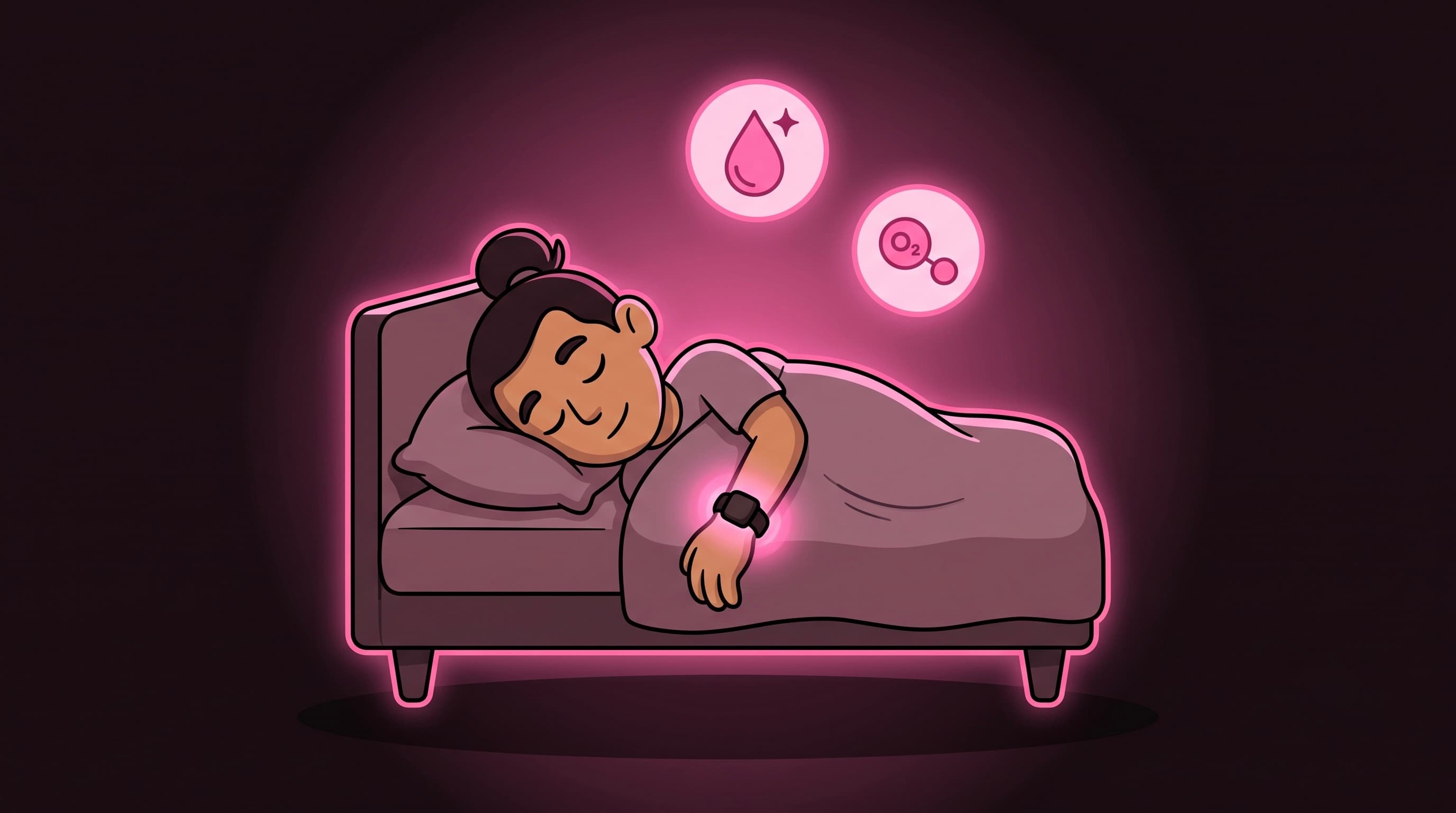
Blood oxygen saturation: SpO₂, is the percentage of hemoglobin in your blood that is currently carrying oxygen. For most healthy people at sea level, readings during sleep and quiet rest sit between about 95 and 100 percent. It's a vital sign hospitals monitor closely; on your wrist it's a wellness trend, sampled opportunistically while you sleep, not a continuous medical oximeter.
RepTrack added SpO₂ to the Health Analytics Health Monitor so you can see today's reading, your personal band, and how this month compares to last, alongside HRV, resting heart rate, respiratory rate, and wrist temperature. This article explains what that number is, where it comes from, and what to do when it's absent.
What RepTrack displays
On the SpO₂ tab (labeled "SpO₂" in the rail; "Blood oxygen · sleep samples" on the page):
- Today's value as a whole-number percent (RepTrack scales Apple's 0–1 fraction to 0–100 for display).
- A line chart over your selected range (week, month, or six months).
- 7-day average and range stats for the window.
- Your personal band from the last 30 days of nightly readings (median ± robust spread), once at least four readings exist.
- % vs last month: higher SpO₂ within your normal band reads as "Above usual" with a positive tone; lower reads as caution, because sustained drops can warrant attention (while still not being a diagnosis).
SpO₂ is not an input to your Recovery score today, Recovery weights HRV, sleep, resting heart rate, respiratory rate, and wrist temperature. Blood oxygen lives on the monitor as its own vital you can track and correlate.
Where the data comes from
RepTrack reads HKQuantityTypeIdentifierOxygenSaturation from Apple Health. On Apple Watch, samples are typically collected:
- During sleep, on watches that support the Blood Oxygen app (Series 6 and later, depending on region and model).
- Occasionally during background readings when the watch decides conditions are suitable, not on demand every minute.
That means:
- Missing data is common and is not an app bug. Older watches, watches without the feature enabled, or nights when the sensor didn't get a clean reading simply produce no sample.
- One night without SpO₂ says nothing. The metric is useful as a multi-night trend, not a spot check.
- RepTrack treats 0% as missing, not as a real reading, a living SpO₂ value is never zero.
The empty-state copy on the metric page names the three honest causes: Health access may be off (iOS won't tell RepTrack which types were denied), your hardware may not record blood oxygen, or nothing was captured in the range (wear the watch to sleep).
How to read the numbers
95–100% is the usual healthy band at sea level for overnight wrist readings. Context matters:
- A single 94% after alcohol, poor sensor contact, or a cold room is often noise. Watch whether it repeats.
- Sustained readings below your personal band alongside elevated resting heart rate, faster respiratory rate, or higher wrist temperature is a stronger "something systemic may be going on" pattern, still not a diagnosis, but worth taking seriously and cross-checking how you feel.
- Altitude lowers effective saturation; travelers should expect a shifted baseline.
- Finger oximeters vs wrist: clinical pulse oximeters measure at the finger with different physics; wrist values can differ by a few points. Compare your wrist to your wrist over time, not to a one-off finger reading.
RepTrack's personal band exists so "normal for you" is explicit. A user whose nights usually read 97–98% gets a different band than someone usually at 95–96%; breaches are judged against your history.
Hardware and settings checklist
If SpO₂ is always empty:
- Watch model: Blood Oxygen requires a supported Apple Watch (Series 6+, region-dependent).
- Enable Blood Oxygen in the Watch app on iPhone (Privacy & settings for the feature).
- Wear snugly overnight: loose bands cause dropped sleep samples across all vitals.
- Health permissions: RepTrack needs read access to Blood Oxygen in Settings → Health. iOS never reports which types were denied, so if everything else works but SpO₂ doesn't, check Settings manually.
- Sleep tracking: samples cluster around sleep; no sleep window often means no SpO₂ row for that night.
How to actually use SpO₂ in RepTrack
- Trend, not alarm. Act on patterns over several nights, not one low reading.
- Pair with other vitals. Respiratory rate, resting heart rate, and wrist temperature often move together when you're ill or overreached.
- Don't chase 100%. Wrist SpO₂ is not a grade; mid-high nineties during sleep is normal for many people.
- Medical questions go to clinicians. RepTrack is not a pulse oximeter replacement. If sustained low readings worry you medically, use proper clinical tools and professional advice.
The bottom line
Blood oxygen in RepTrack is your watch's sleep-sampled SpO₂ trend against your own 30-day band: displayed honestly, with missing data left empty rather than faked. It's a useful sibling to respiratory rate and resting heart rate on the Health Monitor, not a standalone verdict. Read the multi-night shape, respect the hardware limits, and let the personal band tell you when your normal shifted.
Sources
- Luks AM, et al. "Pulse oximetry at high altitude." High Altitude Medicine & Biology, 2010.
- Apple Support, Blood Oxygen app on Apple Watch (supported models, setup, limitations).
- Apple HealthKit,
HKQuantityTypeIdentifierOxygenSaturationsample semantics. - UK NHS / US CDC patient guidance, typical SpO₂ ranges and when to seek medical advice (wellness context, not diagnostic thresholds for wrist wearables).